Playing with your own playlist or in a voice chat? The music has its own sliders, and they are easy to miss. Engines, gunfire and voice warnings stay exactly as they are.
Click 1
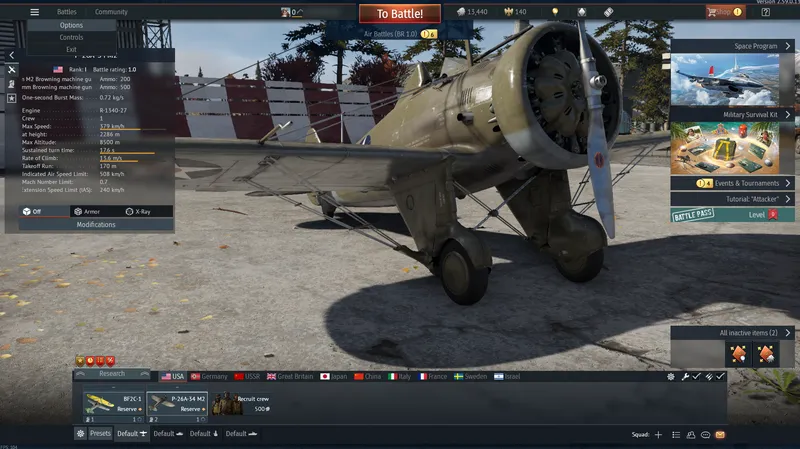
In the hangar, open the ☰ menu at the top left and choose Options.
Click 2
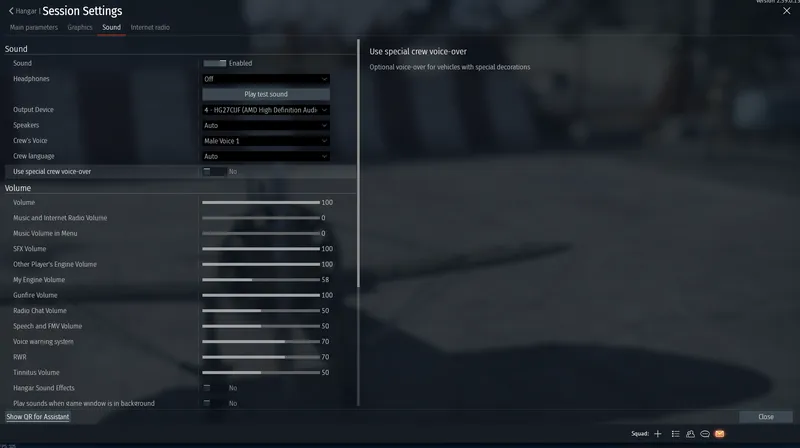
Open the Sound tab and drag Music and Internet Radio Volume and Music Volume in Menu to 0.
While you are there, turning My Engine Volume down a little makes enemy engines easier to hear.
First impressions
The preview
Our takeRecommended
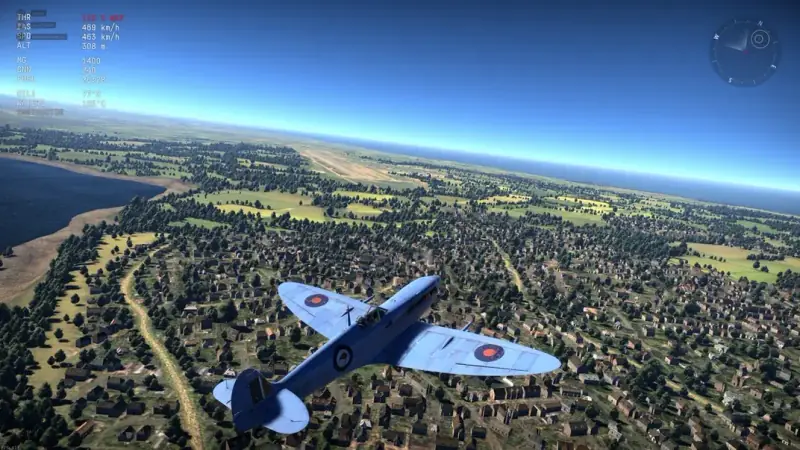
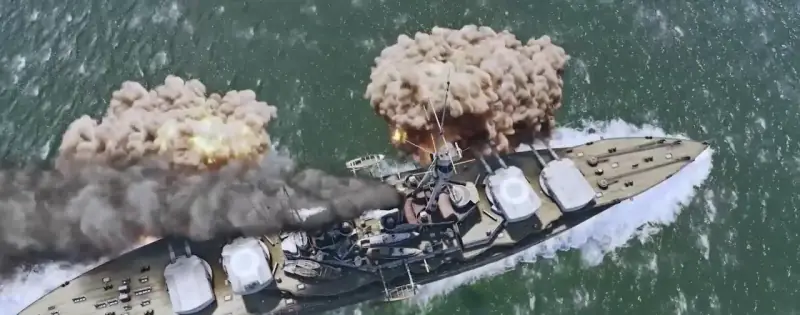
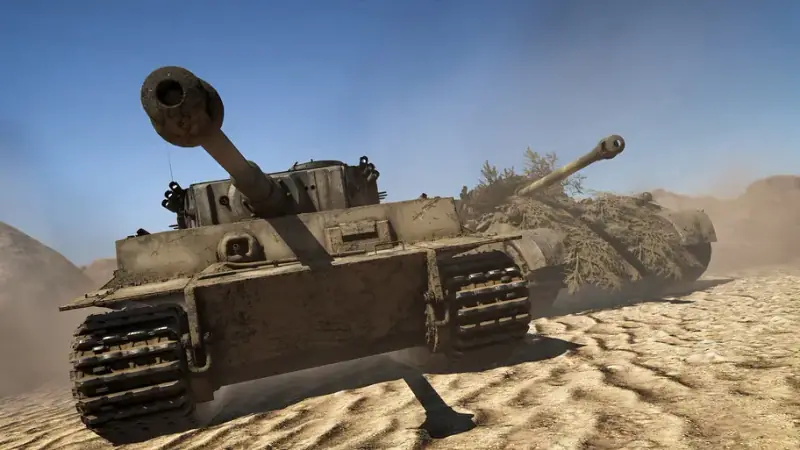
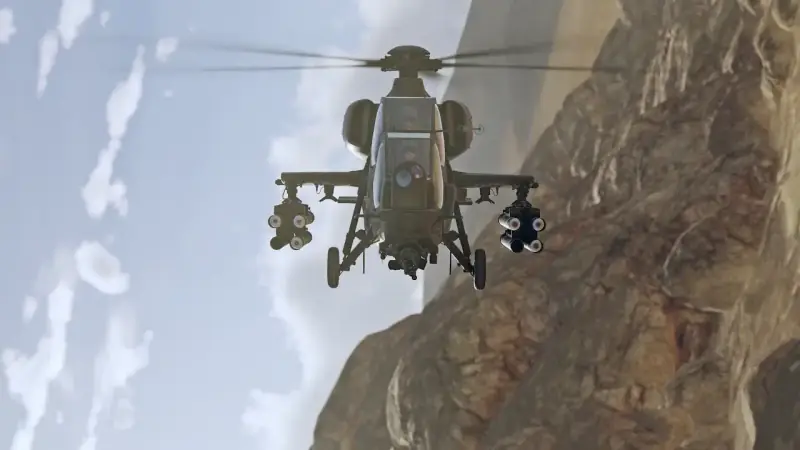
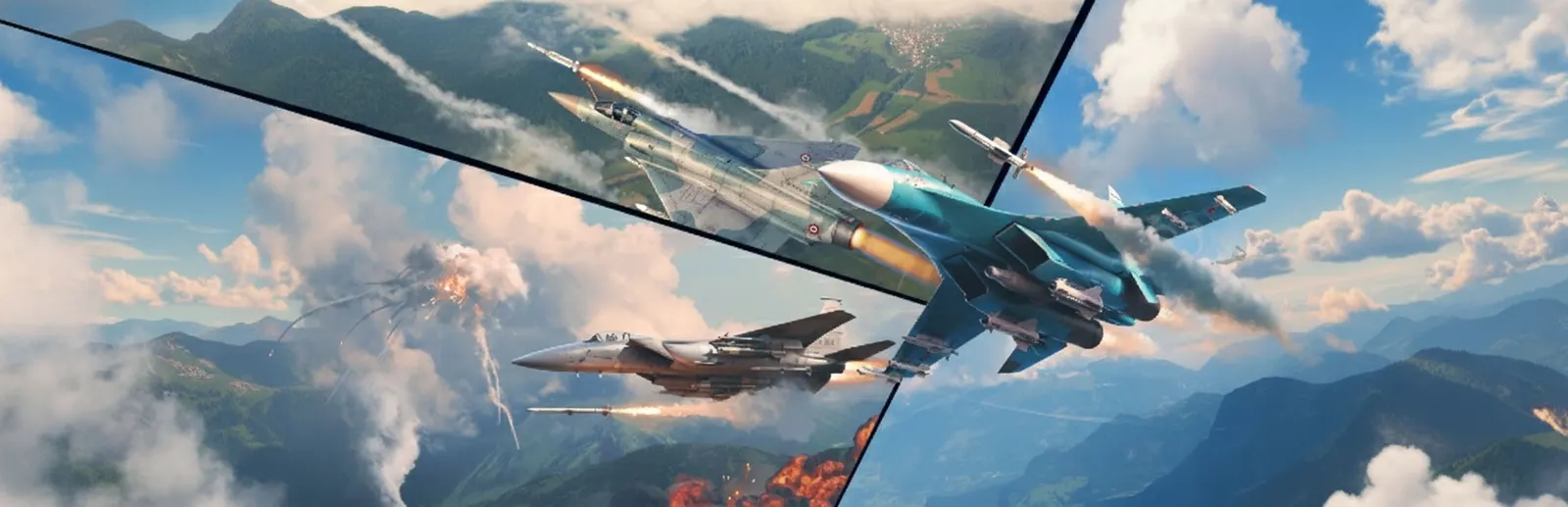
War Thunder is easiest to pitch as the one free game that covers every side of mechanised war. Aviation runs from 1930s biplanes to modern jets with radar and guided missiles, Ground Forces models armour, crew and ammunition the way a simulator would, and the fleet goes from coastal torpedo boats up to battleships. All of it lives in one account and one hangar, with cross-play to PlayStation and Xbox, so the Spitfire you fly at lunchtime and the Leopard you take into a city fight after dinner earn toward the same garage. The early ranks are where the game is at its most generous, and that is exactly where a new account starts — with a bonus vehicle of your choice and three days of Premium.
Branches
Guides
How it compares
How to play
How to download and play War Thunder on PC
Six steps, around ten minutes of your time plus the download. Nothing is hosted by us: step one opens the official Gaijin.Net registration, and the game comes from Gaijin's own launcher.
Open the official sign-upPress Play free. The Gaijin.Net registration form opens in a new tab.
Fill in the formE-mail, nickname (it becomes your in-game name), password twice, month and year of birth, the captcha code, and accept the terms.
Pick your bonusOn the right of the form, choose one starter vehicle. The 3-day Premium account is ticked by default.
Download the launcherRun the installer you're offered. Choose the minimal client (about 23 GB) to be playing sooner; the rest downloads later.
Let the install finishWait for 100% before launching — a half-finished install is the usual cause of first-launch errors.
Log in to the game — this unlocks your bonusSign in with the same e-mail and password. Your chosen vehicle and Premium days appear in the hangar at that first login; registering on the website alone puts nothing in your hangar.
PC system requirements
Part
Minimum
Recommended
OS
Windows 10 (64-bit)
Windows 10/11 (64-bit)
CPU
Dual-core 2.2 GHz
Core i5 / Ryzen 5 3600
RAM
4 GB
16 GB
GPU
GTX 660 / Radeon 77XX
GTX 1060 / RX 570
Storage
23.1 GB (minimal)
75.9 GB (full)
Source: warthunder.com
Bonus vehicle + 3 days Premium, delivered at your first login.
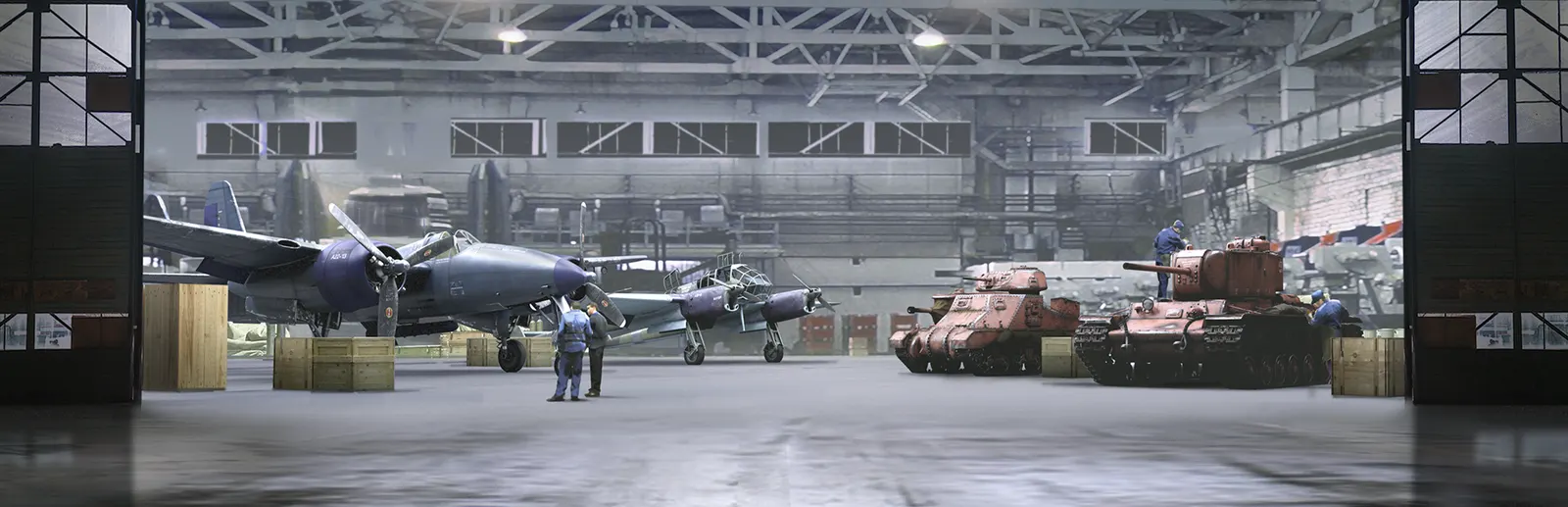
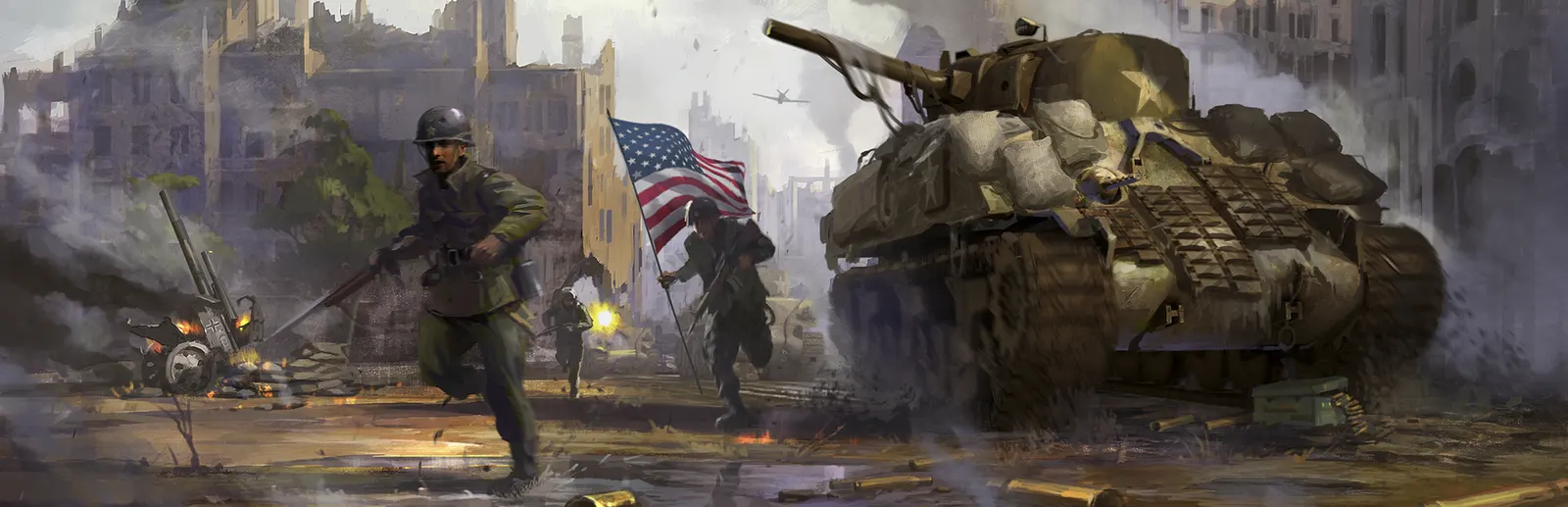
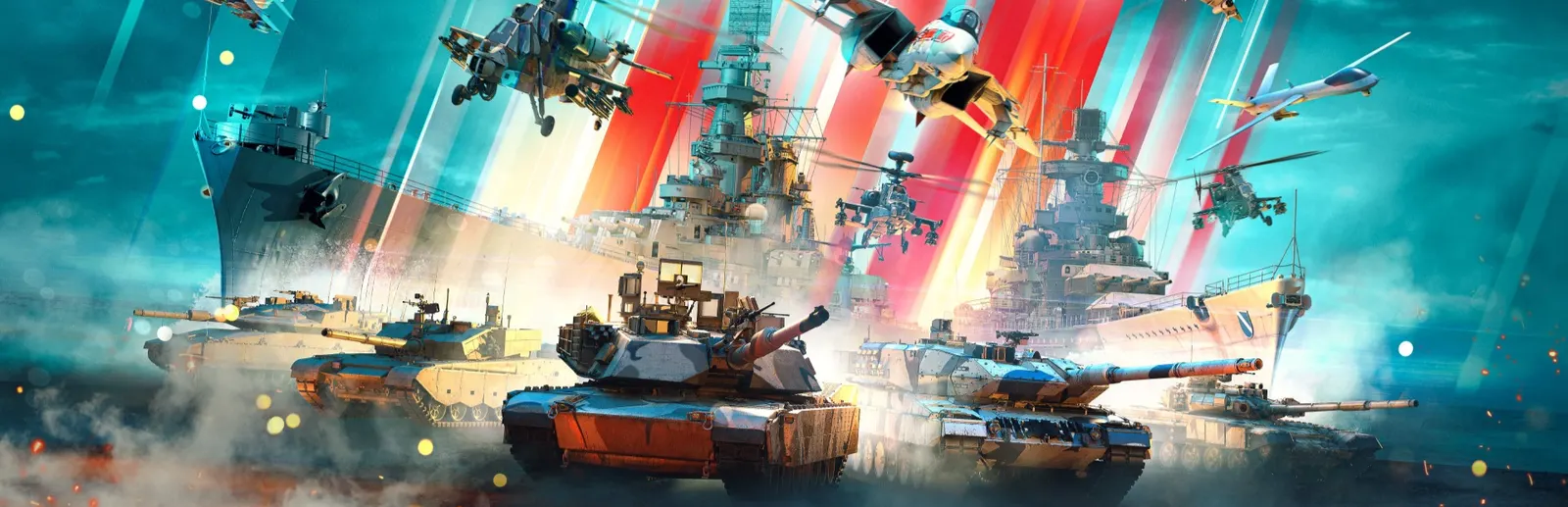
Most military games pick a lane. War Thunder puts aircraft, tanks, helicopters and warships from ten nations into one game — more than 2,500 vehicles spanning the 1930s to today — and the same account that flies a Spitfire at lunchtime can take a Leopard into a city fight after dinner.
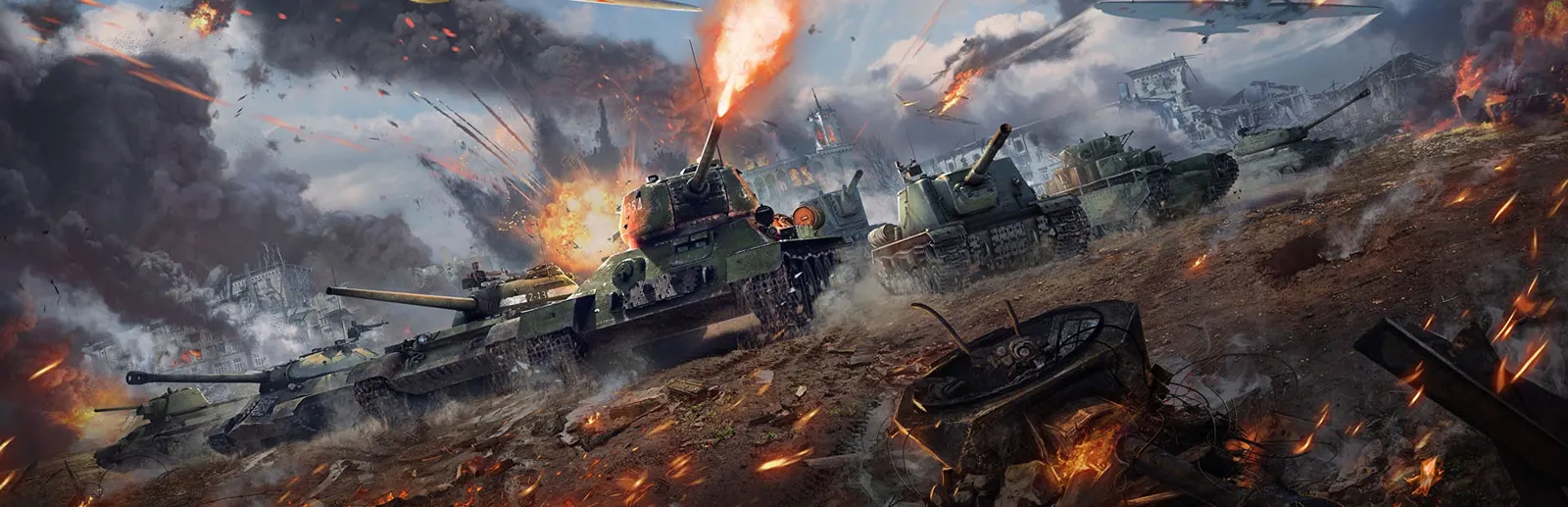
What keeps people playing is how physical every machine feels. Shells punch through armour, bounce off sloped plates, knock out a crew member or set an engine on fire. Planes stall when you pull too hard. You get better by understanding machines, and that feeling of learning something real is what the game does better than anything else in its genre.
Modes
Arcade — lead markers, forgiving physics, quick respawns. Best for learning a vehicle.
Realistic — historical flight models, one life per vehicle, planes and tanks on the same map in ground battles.
Simulator — cockpit views only, full-real controls. Built for joysticks and VR.
Why you'll stay
+ Air, ground and naval combat in one account
+ Damage modelling that rewards real tactics
+ Fully free, no forced paywall
+ Cross-play with PlayStation and Xbox
+ Runs on modest hardware
Judge it yourself — it's free, and new accounts start with a bonus vehicle.
They take a few minutes each and pay out rewards. More importantly, they teach controls the first real battle won't give you time to learn.
Use your Premium days hard
Three days of Premium boost everything you earn. Spend those evenings actually playing, because that's when the early research trees move fastest.
Start with one nation
Every nation is free, but spreading early research over five trees means five slow starts. Pick one and push it — the tier list will help you choose.
Angle your armour
Meeting an enemy at about 30–45° instead of face-on makes their shells travel through more steel and bounce more often. It's the single biggest survival skill in ground battles.
Watch the minimap
Most early deaths come from something you could have seen. Glance at the map every few seconds, and never drive into open ground just to find out what's there.
Arcade to learn, Realistic to master
Take each new vehicle into Arcade until it feels familiar, then into Realistic, where the rewards are better.
Put it into practice — free, with a bonus vehicle on sign-up.
Ranked for a first research tree: how forgiving the early vehicles are and how smoothly the tree carries a new player upward. Balance patches move things — treat this as a snapshot, not a rule.
S
USA, Germany, USSR — the deepest trees with complete air and ground lines and the most forgiving early vehicles. The USA also matches all three sign-up bonus vehicles.
A
Great Britain, Sweden — strong, well-rounded trees that reward a player who already understands armour and energy fighting.
B
Japan, Italy, France — good vehicles with more awkward stretches in between; better as a second nation.
C
China, Israel — China shares many early vehicles with other trees, and Israel's tree begins at higher ranks, so neither suits a first start.
Pick your nation in the hangar — start free today.
For your own playlist or a voice chat: the engines, gunfire and voice warnings stay exactly as they are — only the music goes.
1 · Menu → Options
1
In the hangar, click the ☰ menu at the top left, then Options.
2 · Sound tab → both music sliders to 0
2
Open the Sound tab and drag Music and Internet Radio Volume and Music Volume in Menu to 0, then close.
Tip: turning My Engine Volume down a little makes enemy engines easier to hear.
Versus
War Thunder vs World of Tanks
World of Tanks is tanks only, with hit-point damage: every shot that penetrates takes a chunk off a health bar, which keeps fights readable and fast. War Thunder models the armour itself — where a shell enters, what it hits inside, which crew member it takes out — so a single well-placed round can end a fight, and angling your hull matters more than your health total.
Pick War Thunder if you want planes over the battlefield and a simulation that rewards knowing your vehicle. Pick World of Tanks if you want shorter, more arcade tank matches and nothing else.
Versus
War Thunder vs World of Warships
World of Warships is a slower, tactical naval game built entirely around ships: positioning, angling and team play across long matches. War Thunder's naval battles are more physical — shells, modules and crew are modelled like its tanks — and ships share the game with aircraft, from coastal torpedo boats up to battleships.
Pick War Thunder if you want the sea as one front of a bigger war. Pick World of Warships if big ships are all you want to play.
Versus
War Thunder vs DCS World
DCS World is a study simulator: you learn one aircraft down to its switches and systems, and each full module is sold separately. War Thunder's Simulator mode keeps cockpit views and realistic flight, but trades system depth for scale — hundreds of aircraft, quick matchmaking and battles alongside tanks and ships.
Pick War Thunder if you want to fly many aircraft in fast multiplayer battles. Pick DCS if you want to master a single jet like its real pilots do.